The Mistake I Made Comparing Rippling to IT Management Tools
In a previous role, I worked as a Rippling administrator, managing everything from employee onboarding to payroll and IT provisioning. It was a powerful platform that sat right at the intersection of HR and IT, and at the time, it felt like a true “all-in-one” solution for running internal operations.
In a previous role, I worked as a Rippling administrator, managing everything from employee onboarding to payroll and IT provisioning. It was a powerful platform that sat right at the intersection of HR and IT, and at the time, it felt like a true “all-in-one” solution for running internal operations.
As I transitioned into working more closely with IT teams and exploring tools like NinjaOne and ConnectWise, I started to notice a common misconception—one that I had initially shared myself. At a glance, it’s easy to assume that Rippling belongs in the same category as these platforms. After all, they all touch devices, users, and automation in some way. But in reality, they serve very different purposes.
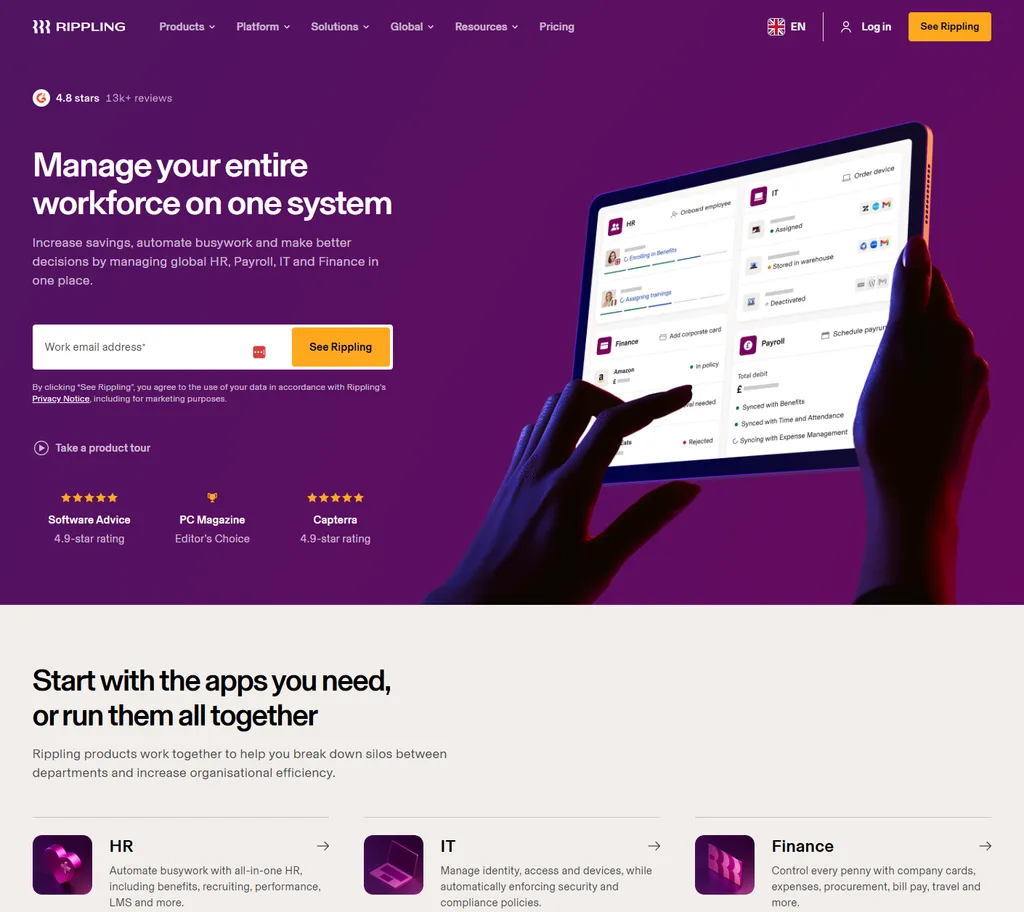
Rippling is fundamentally a people-first platform. Its strength lies in managing the employee lifecycle—hiring, onboarding, payroll, benefits, and even app provisioning. The IT functionality, while useful, is designed to support HR workflows. For example, when a new employee joins, Rippling can automatically assign them a laptop, create accounts, and grant access to tools. It’s seamless, but it’s all driven by the employee record.
NinjaOne and ConnectWise, on the other hand, are IT-first platforms. They are built for managing infrastructure, endpoints, and ongoing technical operations. With these tools, the focus shifts from “Who is the employee?” to “What is happening on this device?” They provide deep capabilities like patch management, remote monitoring, scripting, alerting, and system-level automation—things that go far beyond what Rippling is designed to handle.
This is where the confusion often comes in. Because Rippling includes device and app management, it can look, on the surface, like a lightweight RMM (Remote Monitoring and Management) tool. But that’s not its core purpose. It’s not built for proactive monitoring, troubleshooting, or maintaining system health at scale in the same way NinjaOne or ConnectWise are.
In practical terms, this means that while Rippling can tell you who has a laptop and what apps they should have access to, NinjaOne or ConnectWise will tell you if that laptop is failing to install updates, running out of disk space, or experiencing performance issues—and let you fix it remotely.
Understanding this distinction is important, especially for growing companies. If you’re evaluating tools and expecting Rippling to replace a full IT management platform, you’ll likely run into limitations. Conversely, if you try to use NinjaOne or ConnectWise to manage HR processes, you’ll quickly realise that they’re not designed for that either.
In my experience, the most effective setups often involve using these tools together. Rippling acts as the system of record for employees and drives onboarding/offboarding workflows, while NinjaOne or ConnectWise handle the deeper technical management of devices and infrastructure.
As the company I worked for grew, we eventually transitioned away from NinjaOne to Microsoft Entra ID and Intune. This move allowed us to better integrate identity management, device security, and application deployment in a more scalable, enterprise-ready ecosystem, while still leveraging Rippling for HR and employee provisioning.
So while there is some overlap, they’re not interchangeable. Rippling manages people and the systems they need to do their jobs. NinjaOne, ConnectWise, or now Entra ID and Intune manage the systems themselves. Recognising that difference is key to building a tech stack that actually works.